
Beluga HoseDrop 3D Configuration Tool
Introducing Beluga HoseDrop 3D
Beluga HoseDrop 3D is now available from Greenleaf Technologies. Enter your boom and crop dimensions, choose nozzles, and see how your setup affects spray placement. Configure both crop spraying and fertilizer application, then generate a parts list for both uses across your full boom.
Launch Beluga HoseDrop 3D
Watch the walkthrough
This seven-minute guide takes you from boom dimensions to a combined spraying and fertilizer parts list.
Coverage
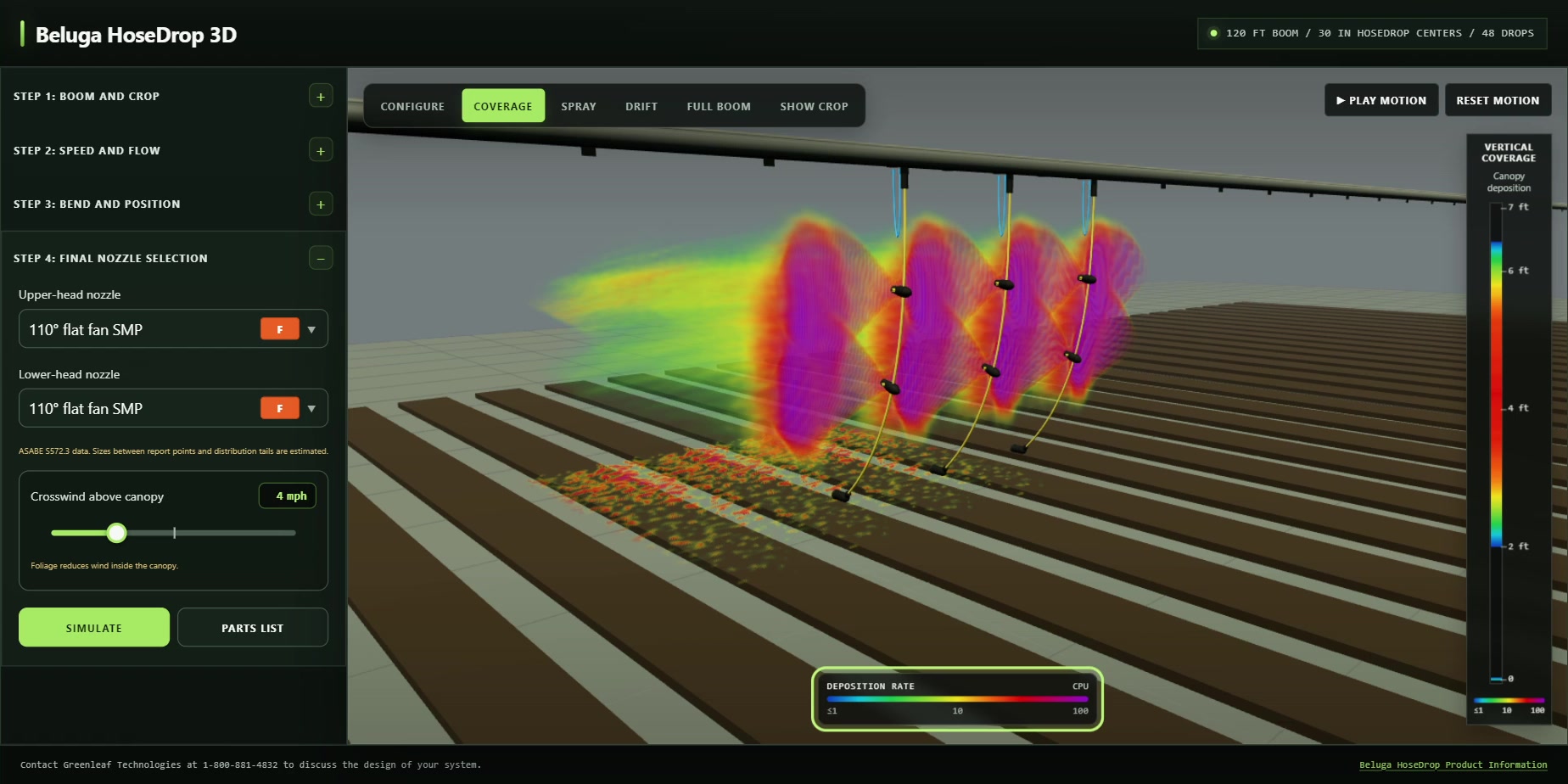
See where the model predicts spray will be captured by the canopy. The color scale and vertical profile show how coverage varies through the crop.
Spray
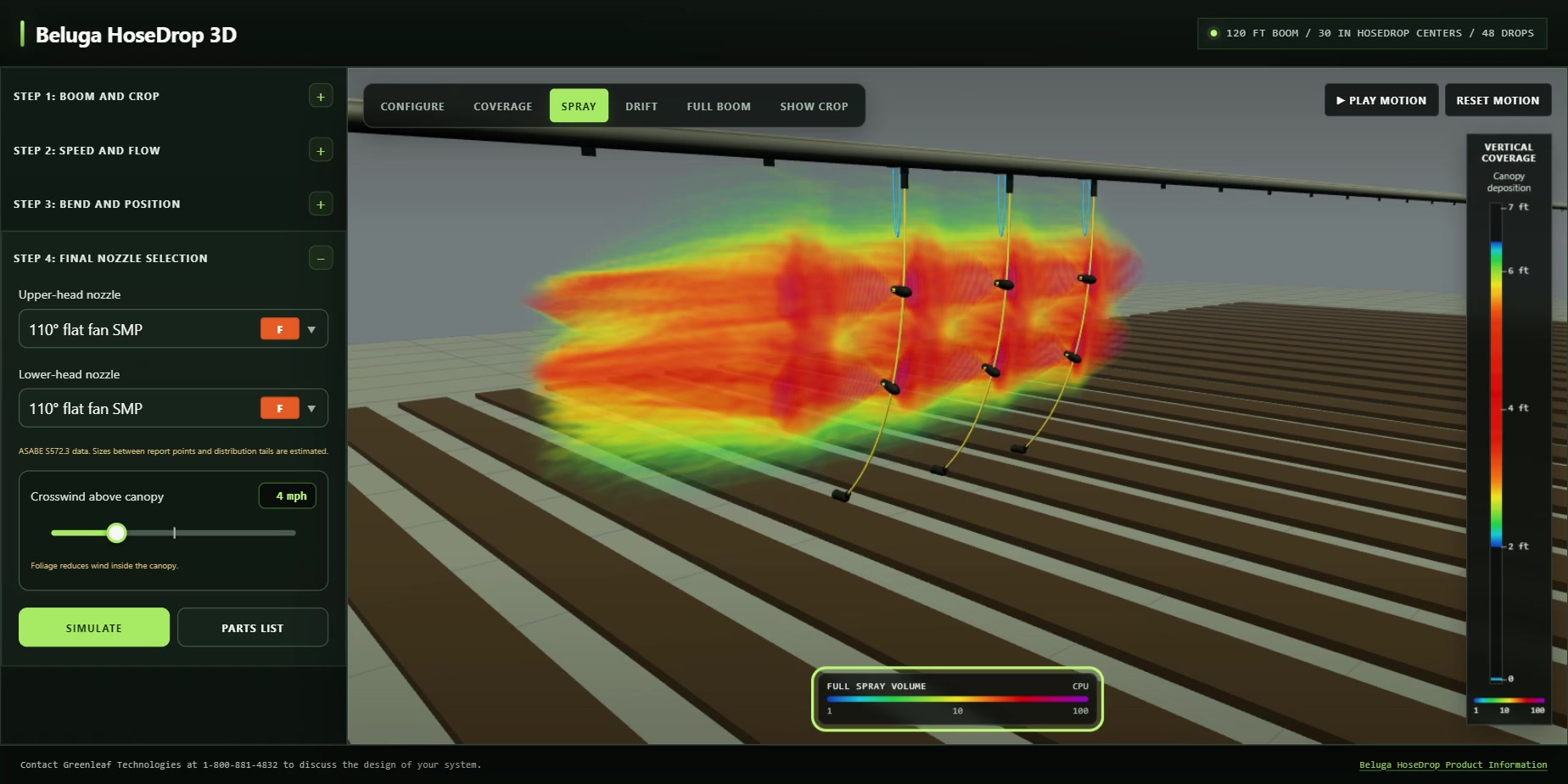
See the shape and reach of the full spray volume, with no liquid removed at canopy contact.
Drift
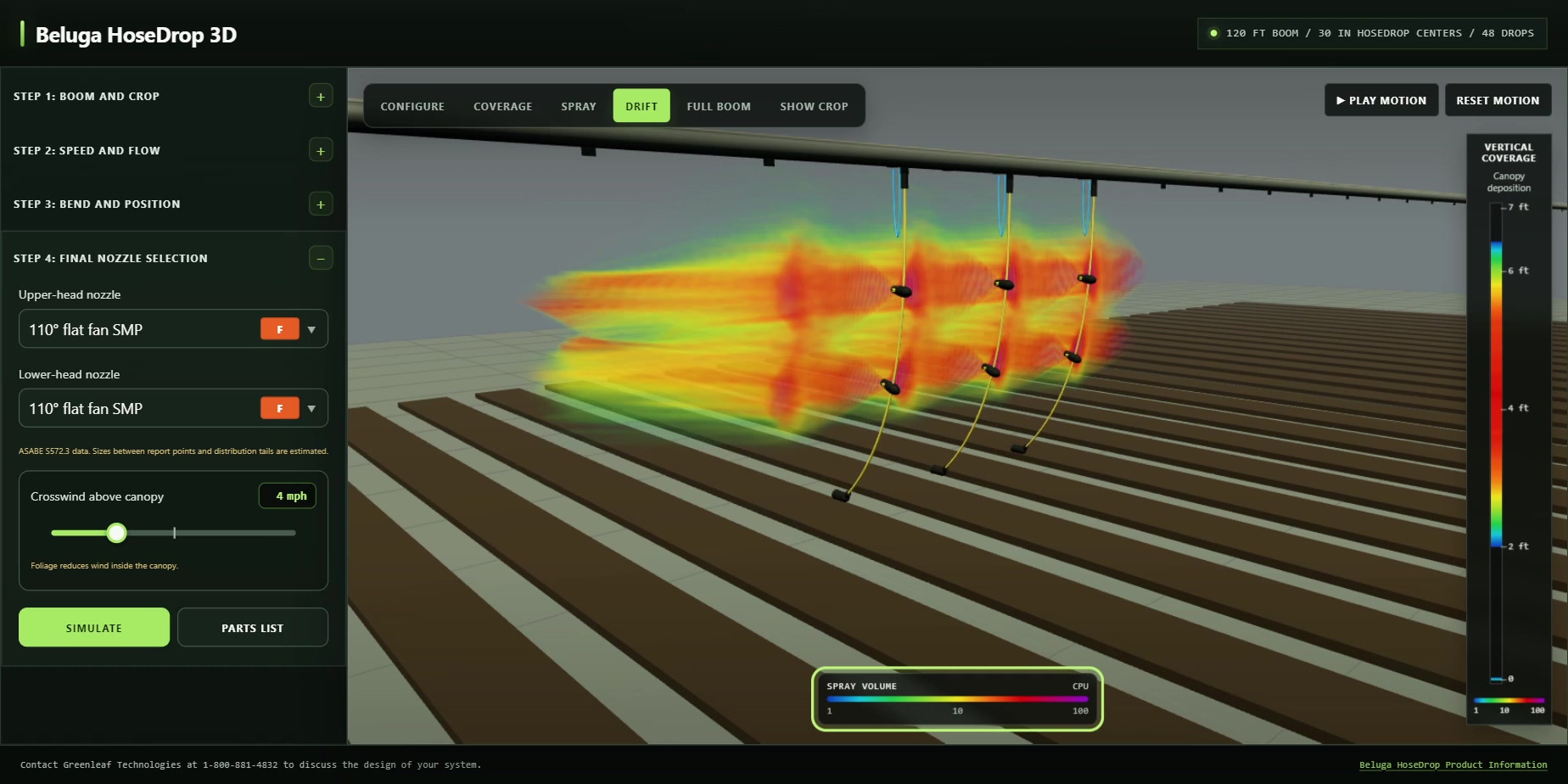
See where airborne spray travels after the model accounts for liquid captured by the canopy. Change nozzle or wind settings to compare results.
Full boom
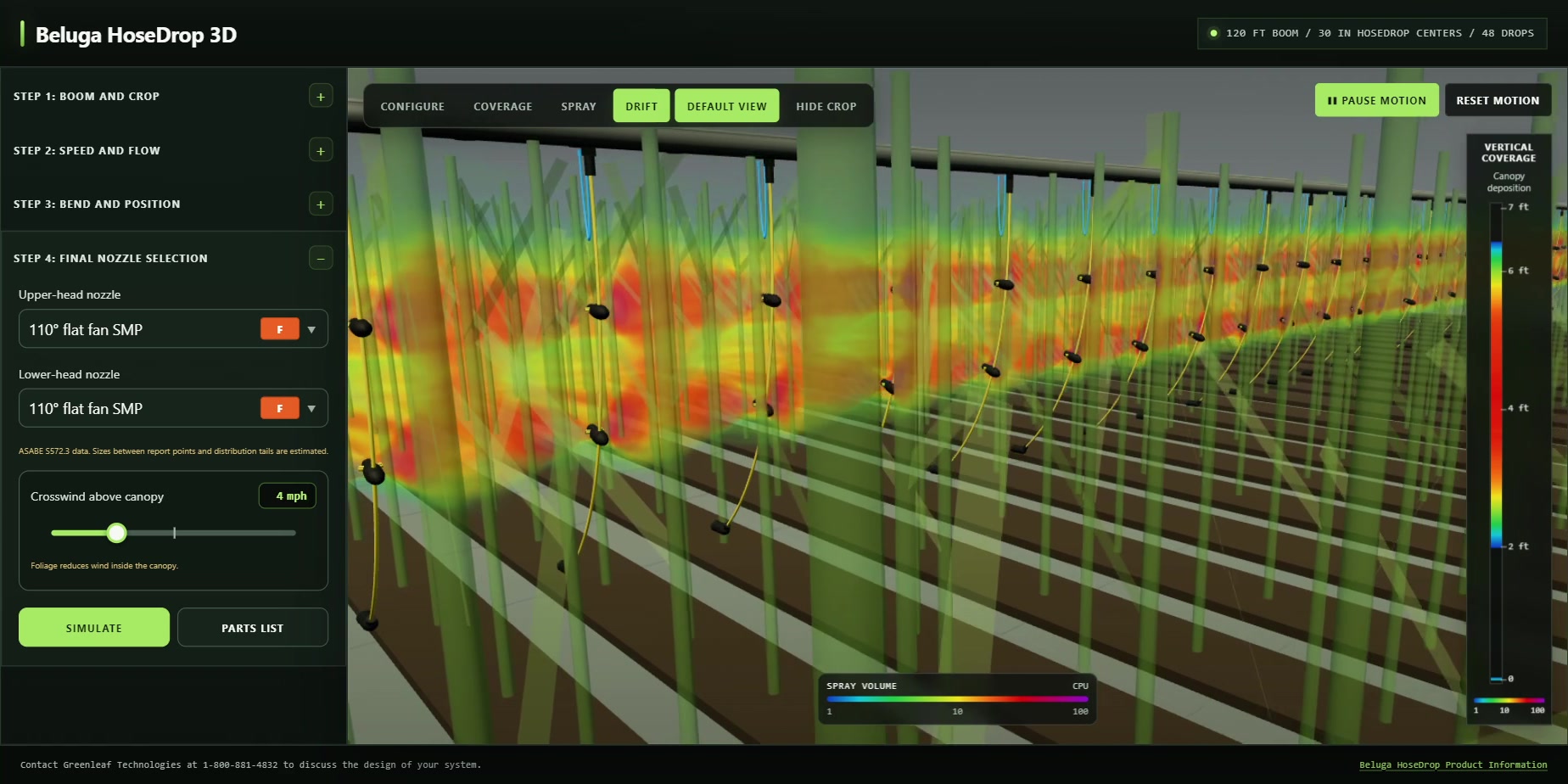
View the setup across your full boom. Play motion to see it move through the crop.
Fertilizer and dual use
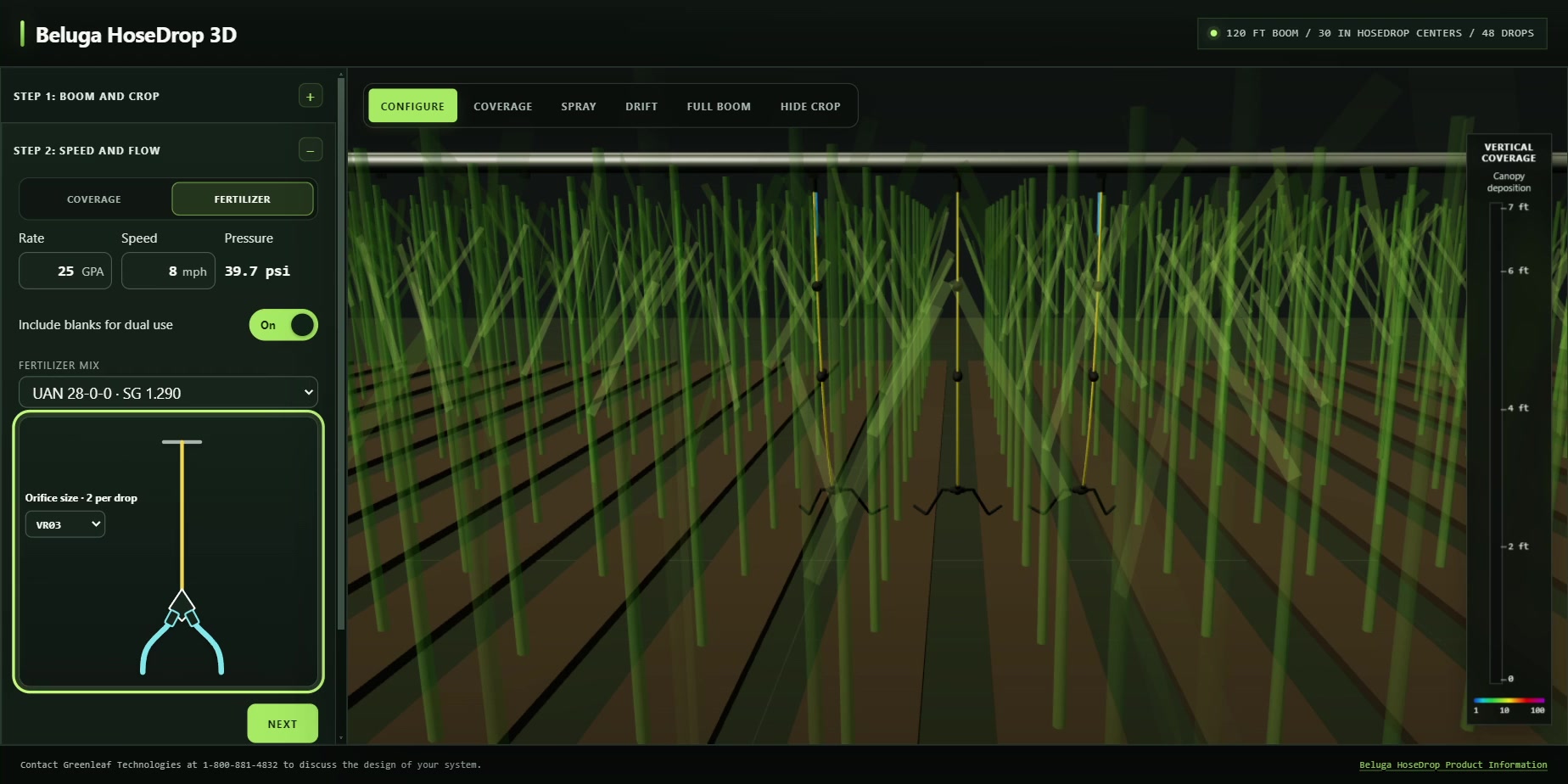
Choose a fertilizer mix and metering orifices, then set a separate fertilizer rate and speed. The tool calculates the pressure. Turn on Include blanks for dual use to include spraying and fertilizer components in one parts list, along with the required blanks, caps, and customer-supplied items.
Use the simulations to compare configurations, then verify performance in the field.